A Better Broadband Support Message: Evidence Before Escalation
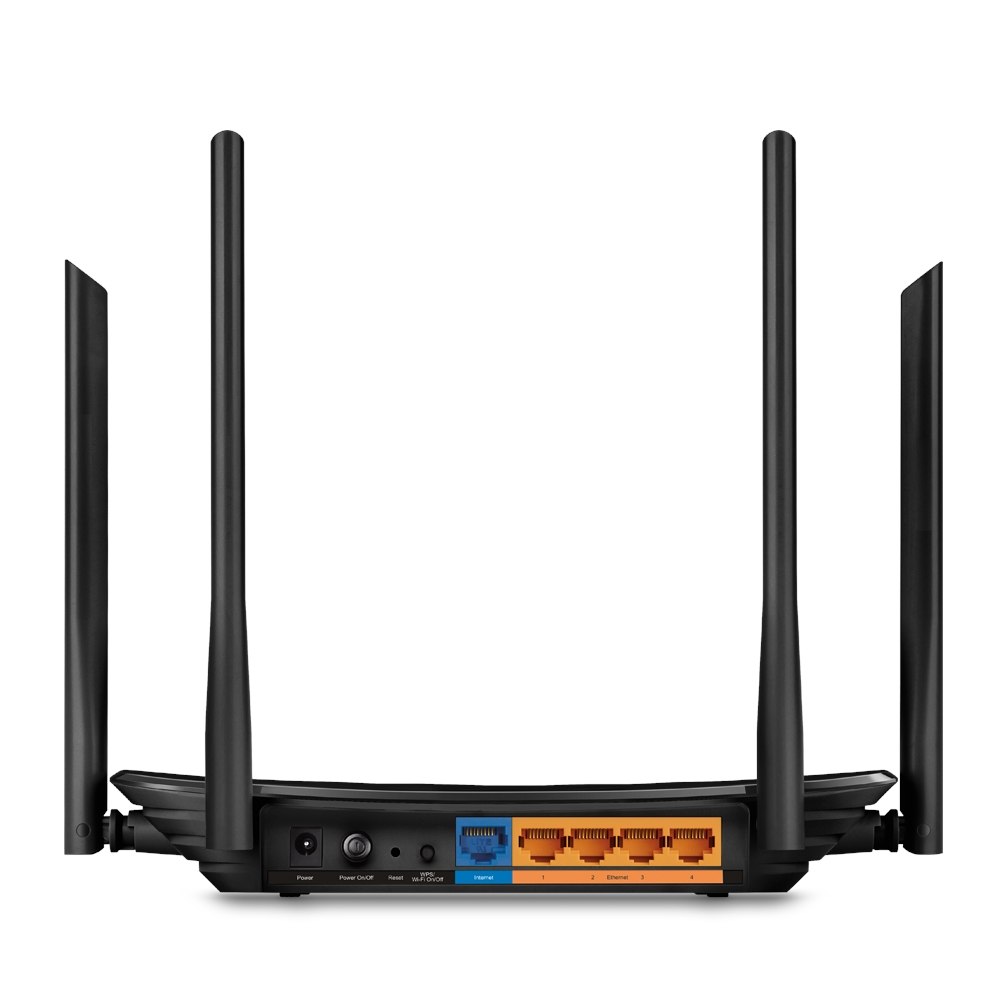
A concise fault report gives support a clearer starting point than “internet slow.” Describe the affected task, devices and time without sending private account credentials.
Start with the evidence
Separate observations from guesses. “Two devices lost access at 8 pm” is an observation. “The exchange is broken” is a conclusion you may not be able to establish. Good notes make later comparisons more meaningful.
A practical sequence
- Write down when the problem began and whether it is continuous or intermittent.
- List the devices affected and whether a wired connection behaves differently, if you can test safely.
- Record relevant router indicators and any exact error message.
- State what you already tried and whether each step changed the result.
An example to recognise
A useful report says: two laptops fail on the home network, mobile data works, and a normal restart made no difference. Add the service reference only inside the provider verified support channel.
Before you finish
Keep the complaint reference and promised follow-up time. Redact passwords, full addresses and account numbers from screenshots shared elsewhere.
Keep a short note of the result before trying another change. If the original symptom persists, that note helps you explain what happened to the relevant provider. A single successful test is useful evidence, but it does not establish that every device or location will behave the same way.