A Mobile Data Problem After Recharge: Check the Right SIM First
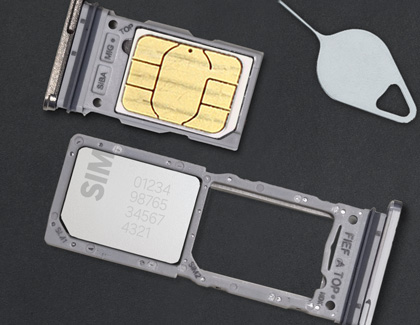
A successful recharge and a working data connection are separate checks. On a dual-SIM phone, the recharge may belong to one number while mobile data is assigned to the other.
Start with the evidence
Begin with the number and the plan displayed in the operator account. A payment receipt can show that money was paid without establishing which service is active now. Avoid buying another pack until you understand the first one.
A practical sequence
- Check the recharge number and the active plan in the operator app or official account.
- Inspect which SIM is selected for mobile data; menu wording differs by handset.
- Disable Wi-Fi briefly and look for a mobile data indicator. Try an ordinary website as well as the affected app.
- If the plan and SIM are correct, restart the phone and retest in another location before reporting the issue.
An example to recognise
A student recharges SIM 2 but the handset still uses SIM 1 for data. Selecting the intended data SIM is the relevant check; reinstalling several apps would not address the mismatch.
Before you finish
Do not copy APN settings from an unknown video. Use operator guidance for your exact SIM and device.
Keep a short note of the result before trying another change. If the original symptom persists, that note helps you explain what happened to the relevant provider. A single successful test is useful evidence, but it does not establish that every device or location will behave the same way.