Where to Put a Router in an Indian Apartment
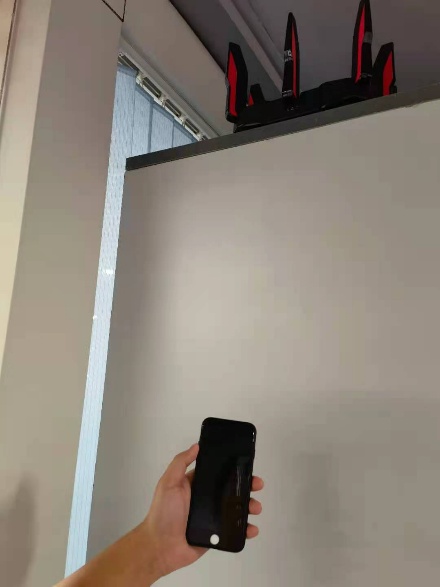
A router hidden behind a television or inside a cupboard may be convenient for cables but inconvenient for coverage. Test placement before shopping for extra hardware.
Start with the evidence
Walls, room shape and the position of your broadband entry point make each home different. Product coverage claims are not a floor-plan guarantee. Use a simple room-by-room comparison with the same device and task.
A practical sequence
- Choose an open, stable, ventilated location where the manufacturer permits installation.
- Compare the usual work area with a spot closer to the router using the same phone or laptop.
- Try a practical task such as a short video call, not only a single headline speed result.
- If moving the router is possible, change one location at a time and repeat the same comparison.
An example to recognise
A two-bedroom home has good service in the hall but a weak connection behind two walls. Moving the access point toward the rooms may help; a faster broadband subscription alone may not improve that local wireless path.
Before you finish
Do not cover ventilation openings or stretch power cables unsafely. If extra access points are needed, check compatibility and installation options first.
Keep a short note of the result before trying another change. If the original symptom persists, that note helps you explain what happened to the relevant provider. A single successful test is useful evidence, but it does not establish that every device or location will behave the same way.